
Can You Stream Netflix on a Plane? What Actually Works at 35,000 Feet
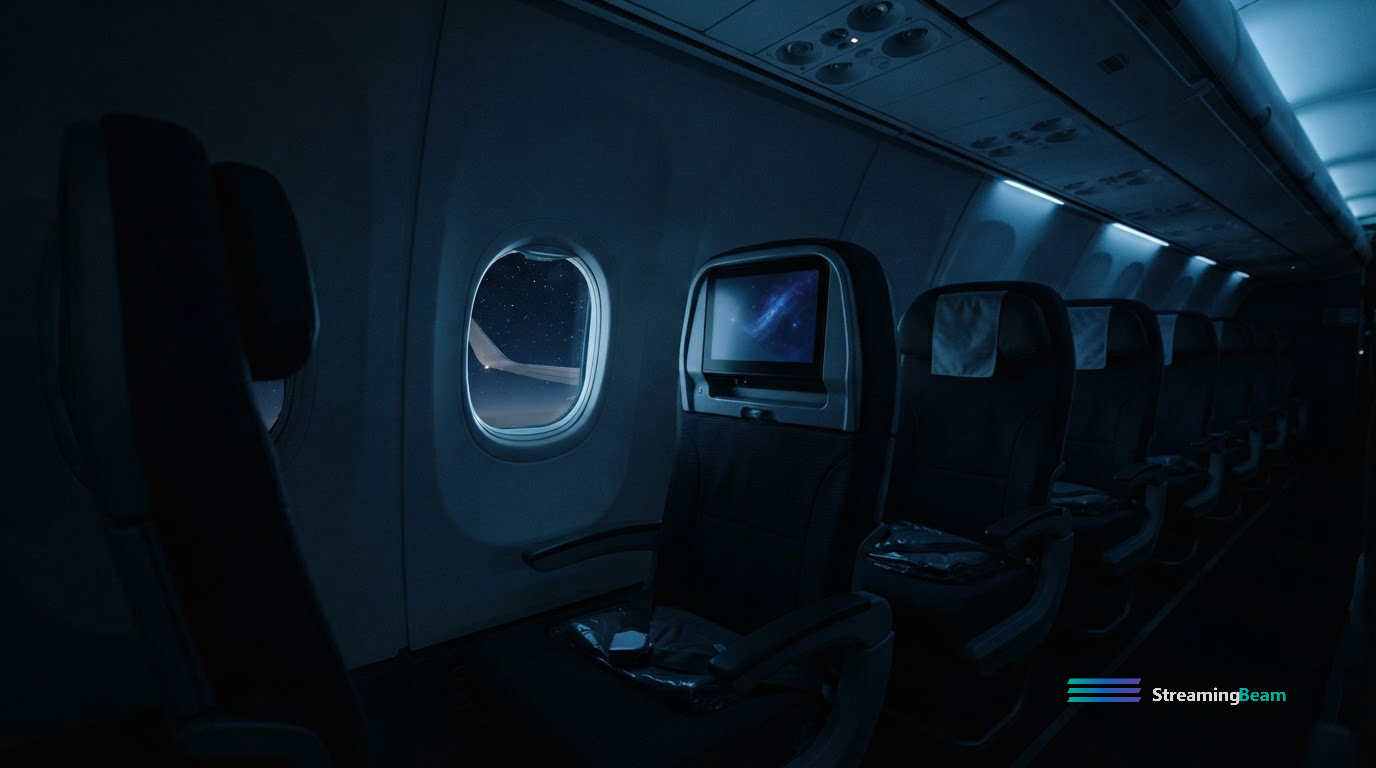
You board, connect to the WiFi, open Netflix, and nothing happens. The spinner turns. Maybe it loads at a resolution that looks like a fax. Maybe it tells you there's no connection at all, despite the signal bars saying otherwise.
This is normal, and it isn't your phone's fault.
Why Airline WiFi and Video Don't Get Along
An aircraft cabin shares one satellite connection across everyone on board. That link is a fraction of what a home broadband connection delivers, split among a couple hundred people. Video is by far the heaviest thing anyone might do with it, so most airlines either block streaming services outright or throttle them to the point of uselessness.
The connection is genuinely fine for text. Email, messaging, browsing, and lightweight web apps work well. It's video specifically that gets squeezed.
Some carriers have upgraded to higher-bandwidth satellite systems and do allow streaming on certain aircraft. This varies by airline, by route, and by which plane you happen to be on — two flights on the same carrier can behave completely differently. It's not something you can count on in advance.
What Actually Works: Download Before You Leave
The reliable answer is downloads, and it's worth doing before you get to the airport rather than at the gate.
Most major services support offline downloads in their mobile apps. The pattern is consistent across them: you download to a phone or tablet, the titles live in a separate offline section, and they expire after a set window once you start watching.
A few things worth knowing before you rely on it:
- Downloads are mobile-app only. You can't download to a laptop browser. If you're planning to watch on a laptop, that changes your options considerably.
- Storage fills faster than you'd expect. A season of a show in high quality can run several gigabytes. Check your free space before you start, not after.
- Not everything is downloadable. Licensing varies by title, and some content is excluded even on services that generally support downloads.
- Downloads expire. Typically you have a window to start watching and a shorter window to finish once you've begun. Download the night before, not the week before.
- Airplane mode doesn't break them. Downloaded content plays fine offline, which is the entire point.
The Part Most People Get Wrong
The failure mode isn't technical. It's that people download in a hurry at the gate, grab whatever's on the home screen, and end up with four hours of something they didn't actually want to watch.
Planning ten minutes ahead solves it. Know what you want before you're standing in a boarding line with two bars of signal.
That's worth doing deliberately: pick titles you're actually interested in, check they're on a service you already pay for, and download them the night before while you're on home WiFi.
Search every streaming service at once on StreamingBeam to find where a title lives before you commit to downloading it.
What About WiFi You Can Actually Use
Even where video is blocked, the connection handles ordinary web browsing without trouble. Which means planning in the air still works — building a watchlist for when you land, checking what's leaving your services this month, or figuring out where a show you just heard about is streaming.
It's a reasonable use of a few hours you can't do much else with.
International Flights and Regional Libraries
If you're flying internationally, be aware that streaming catalogs differ by country. A title available at home may not be available at your destination, and vice versa. Downloads you took before leaving will still play, but anything you try to stream after landing is subject to local licensing.
This catches people on longer trips more than they expect — you finish your downloads on the flight out and discover the rest of the season isn't available where you've landed.
The Short Version
- Airline WiFi is fine for browsing, unreliable for video
- Download before you leave home, not at the gate
- Downloads are mobile-app only and expire on a timer
- Check storage before you start
- International travel changes what's available once you land
Plan the night before and the flight takes care of itself.
Never miss what's leaving
A weekly rundown of what’s arriving and disappearing across your streaming services.
Want access to more streaming content? A VPN can unlock additional regional libraries. Try NordVPN →
Sponsored
Enjoying StreamingBeam? Support us for free by shopping on Amazon — it costs you nothing extra.
Affiliate link
Find What to Watch Tonight
Search every streaming service instantly — Netflix, Hulu, Max, Disney+, and more.
Try StreamingBeam Free →